Most pacing advice assumes you can skip freely and come back. NUST's CBNET client does not work like that. There is no question grid, no flag-until-saved, and no per-section timer. Pacing this exam is mostly about respecting what the software refuses to do for you.
What 180 minutes actually buys
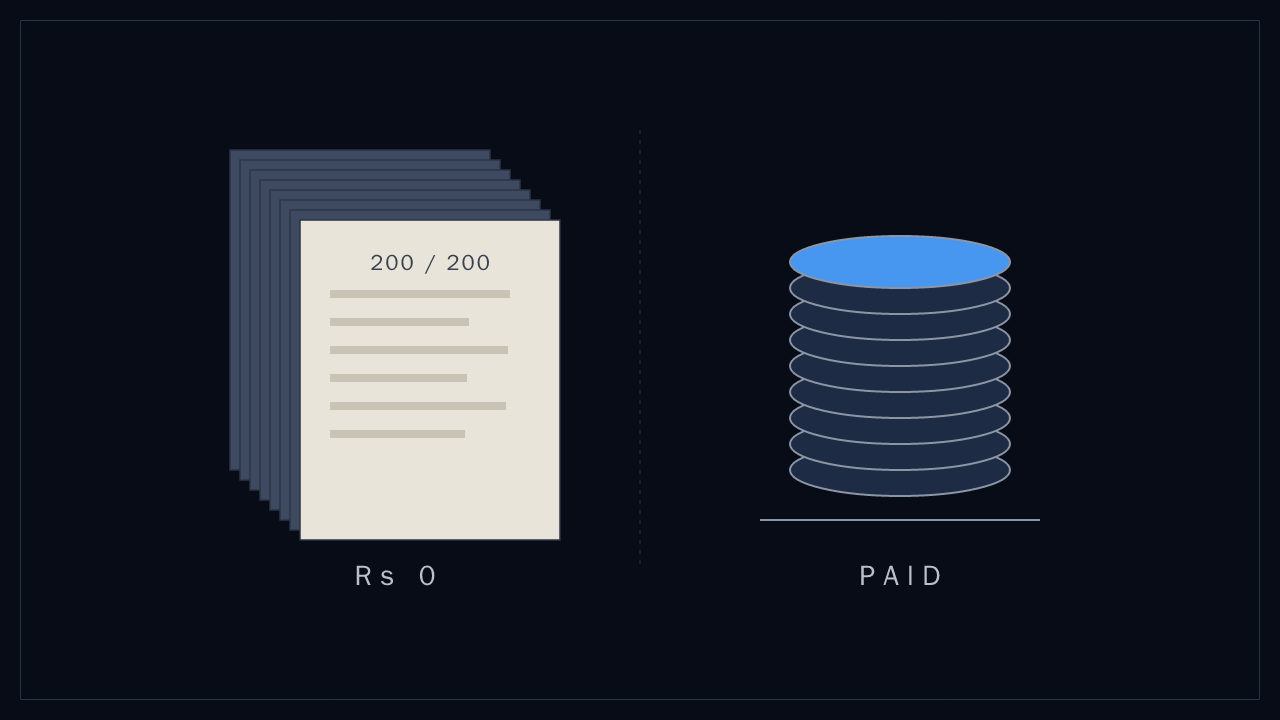
200 questions in 180 minutes is 54 seconds a question. That number is the budget for everything: reading, solving, and clicking. Spend two minutes on one integral and you have borrowed 66 seconds from questions you have not seen yet.
NUST publishes weightings, not question counts, so the split below is derived from the 200-MCQ total reported by candidates. For NET-Engineering:
| Section | Questions (derived) | Suggested budget |
|---|---|---|
| Mathematics | 100 | 95 min |
| Physics | 60 | 50 min |
| English | 40 | 20 min |
| Buffer | 15 min |
English questions are short. If you are spending 54 seconds on a synonym question, something has gone wrong.
The interface traps
These are not hypothetical. They are what the real client does:
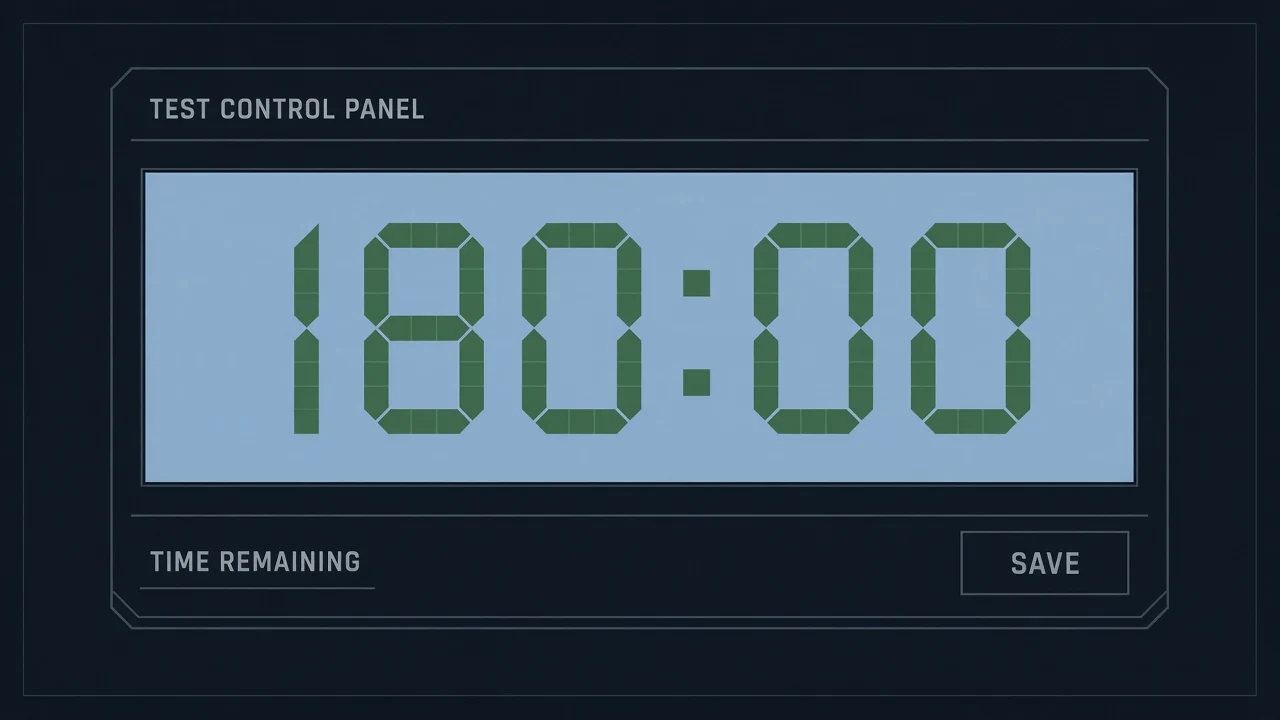
- You must press SAVE on every answer. Selecting an option commits nothing. Students lose answers to this in the last ten minutes, when they stop checking.
- You cannot flag an unanswered question. Review stays disabled until an answer is saved, so flag-and-skip does not exist. You commit an answer first, then flag.
- There is no question grid. Only Next, Prev, First and Last. Jumping from question 12 to question 84 means pressing Next 72 times.
- One clock for the whole paper. Nothing warns you that Mathematics has eaten your Physics time.
- Silence until FINISH. No score, no progress bar beyond the counter, for three hours.
A three-pass plan
Pass one: the free marks. Go straight through, answering everything you can solve in under a minute. For anything longer, pick your best guess, press SAVE, flag it, and move. Every answered question is banked, and there is no negative marking, so a guess beats a blank.
Pass two: the earnable marks. Use First and flagged questions to revisit the ones you marked. This is where the real solving happens, with your remaining budget visible on the clock.
Pass three: never leave blank. In the last ten minutes, sweep for anything unanswered. Check that every answer you selected was actually saved. Then, and only then, FINISH.
Practice it the way you will sit it
A pacing plan you have only read about is not a plan. The full-length papers run under the same 180-minute clock. Sit one full paper under the real interface before the real day. The first time the interface surprises you should not cost you a merit position.
FAQ
How much time do you get per question in NET?
180 minutes for 200 MCQs works out to 54 seconds a question, with one clock for the whole paper.
Can you skip questions in CBNET?
You can move on, but you cannot flag a question until it has a saved answer. Save a best guess, flag it, and come back.
Is there a question grid in CBNET?
No. You move with Next, Prev, First and Last, so jumping far ahead means many clicks.